
Use Insert > Drawing and the Oval shape, holding Shift, to draw a perfect circle in Google Docs. This guide also covers styling, exact sizing, text wrapping, circling words, and mobile workarounds.
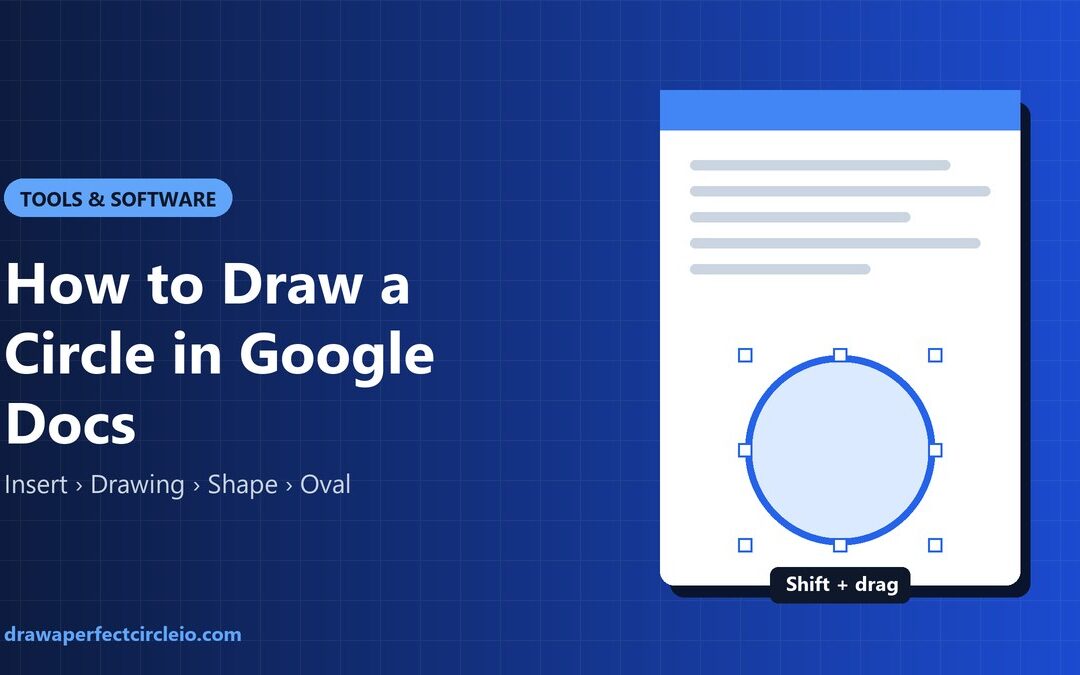
Use Insert > Drawing and the Oval shape, holding Shift, to draw a perfect circle in Google Docs. This guide also covers styling, exact sizing, text wrapping, circling words, and mobile workarounds.
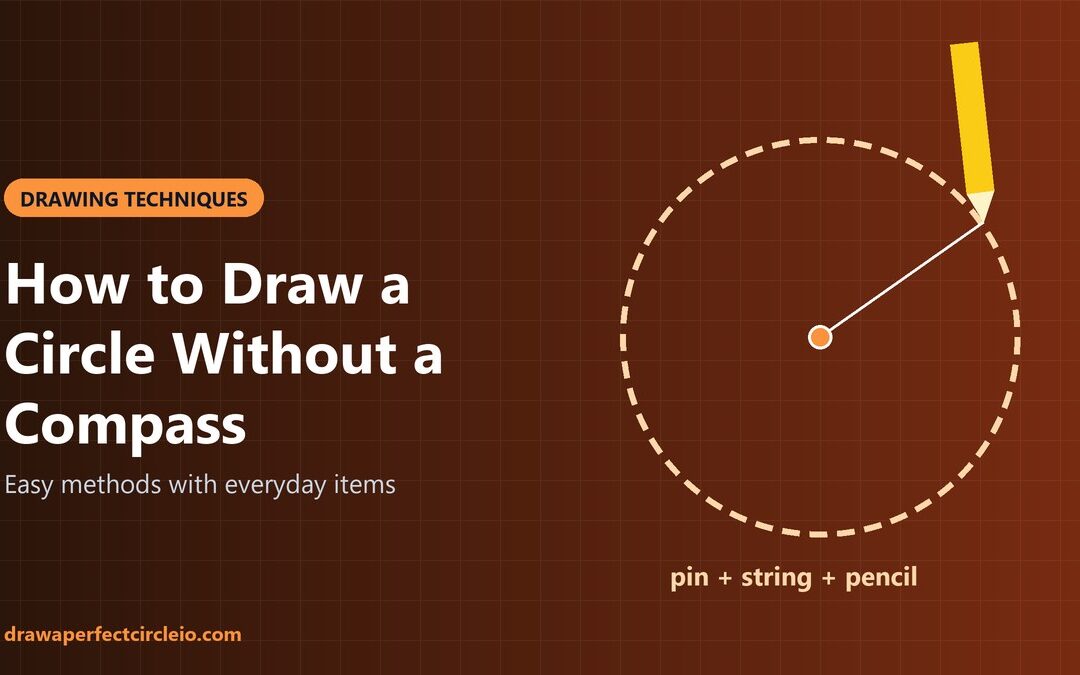
No compass? No problem. Here are nine practical ways to draw a clean circle with string, cardboard, a ruler, a cup, or just your hand, ranked by accuracy.
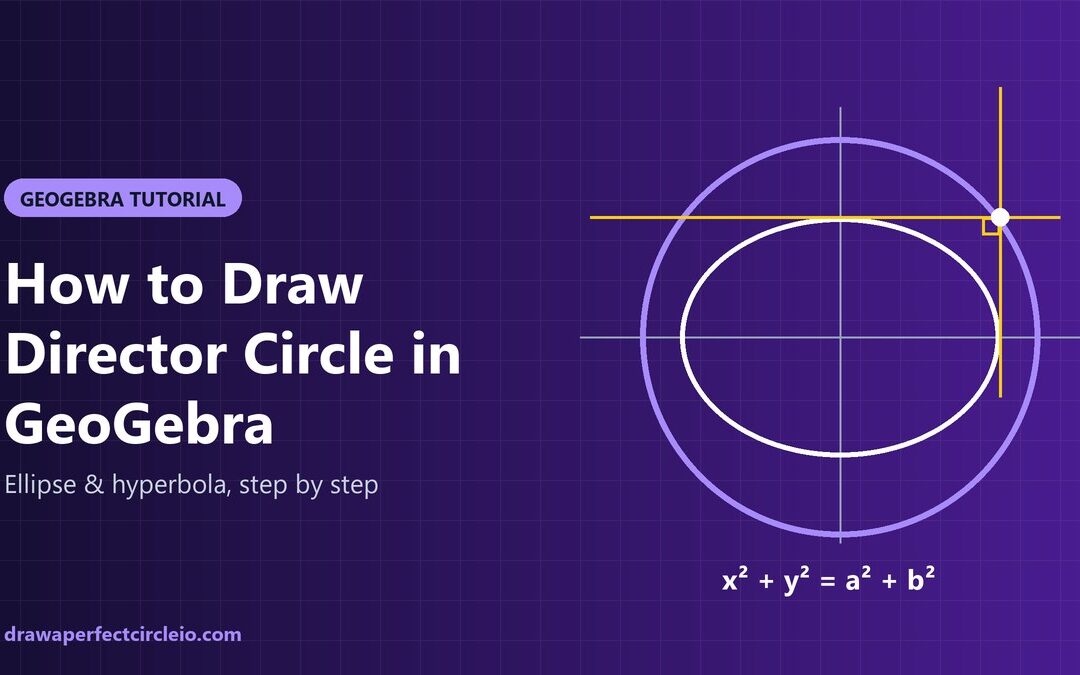
A director circle is the locus of points where two tangents to a conic meet at 90°. Here is how to draw it in GeoGebra and prove the right angle with Tangents and Angle.
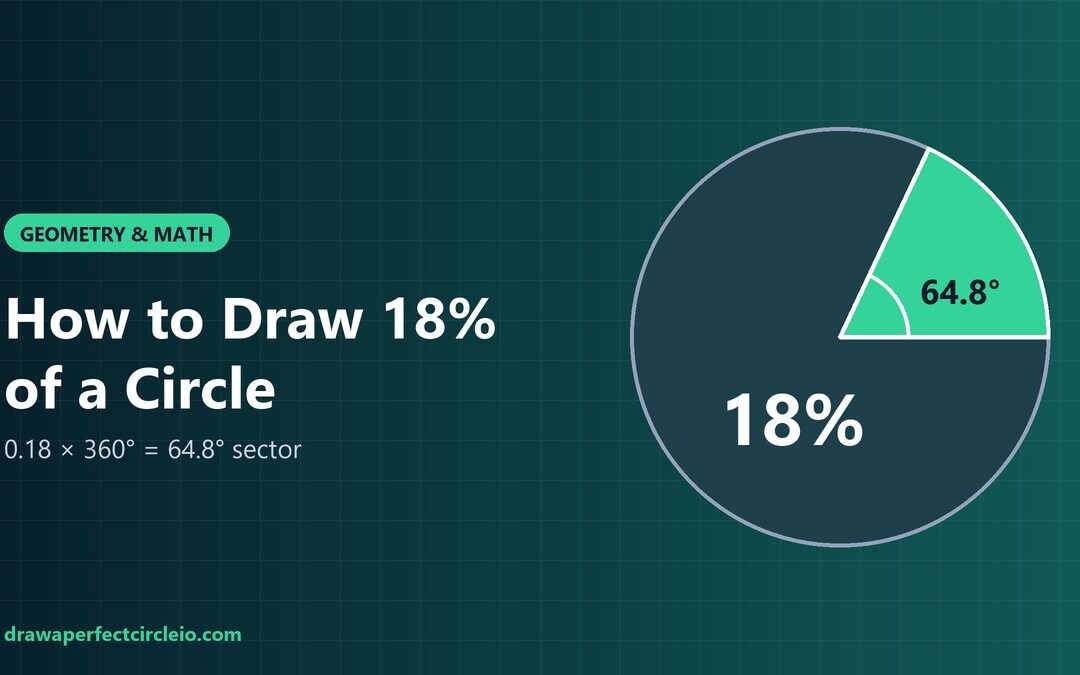
18% of a circle is a 64.8° sector. Here is how to draw it with a compass and protractor, without a protractor, or digitally, plus arc length and area formulas.
Learn how to draw a perfect circle by hand, with simple tools, or on screen. This guide covers pivot techniques, the ghosting method, practice drills, and the mistakes that make circles lopsided.